
Three days after the initial release, I published v0.2.1. The first version got a warm reception on r/emacs and people immediately started asking for things: LaTeX fragment previews, doc-view support, images hiding when headings are folded. I went ahead and built all of that.
This post covers everything new in v0.2.1.
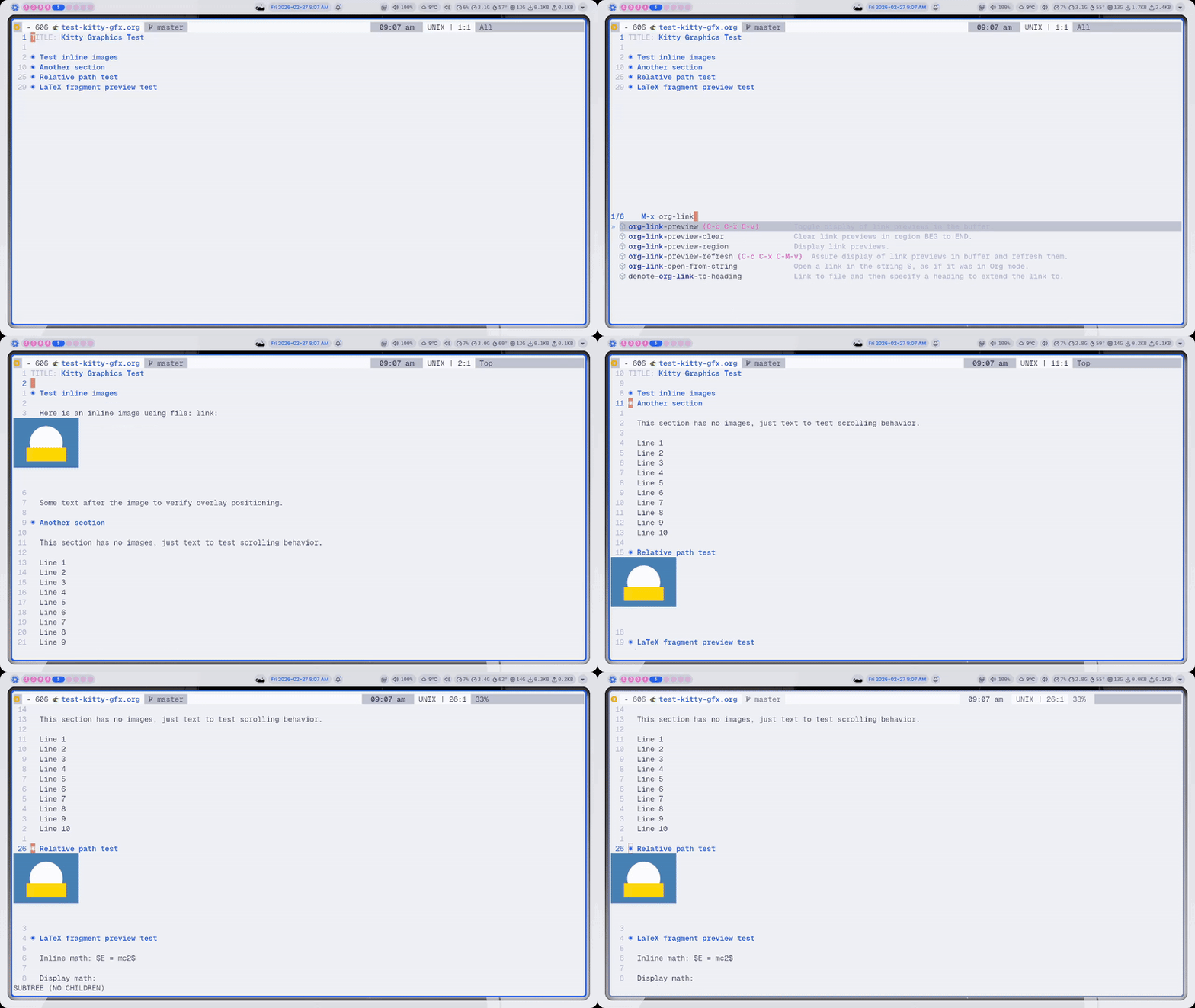
Org Inline Images
The core feature from the first release, now more robust. Toggle inline images with C-c C-x C-v. File links, attachment links, and relative paths all work.
LaTeX Fragment Preview
This was one of the most requested features. You can now preview LaTeX fragments directly in org-mode with C-c C-x C-l, the same keybinding you already know. The fragments are rendered via dvipng and displayed inline through the Kitty graphics protocol. No GUI frame required.
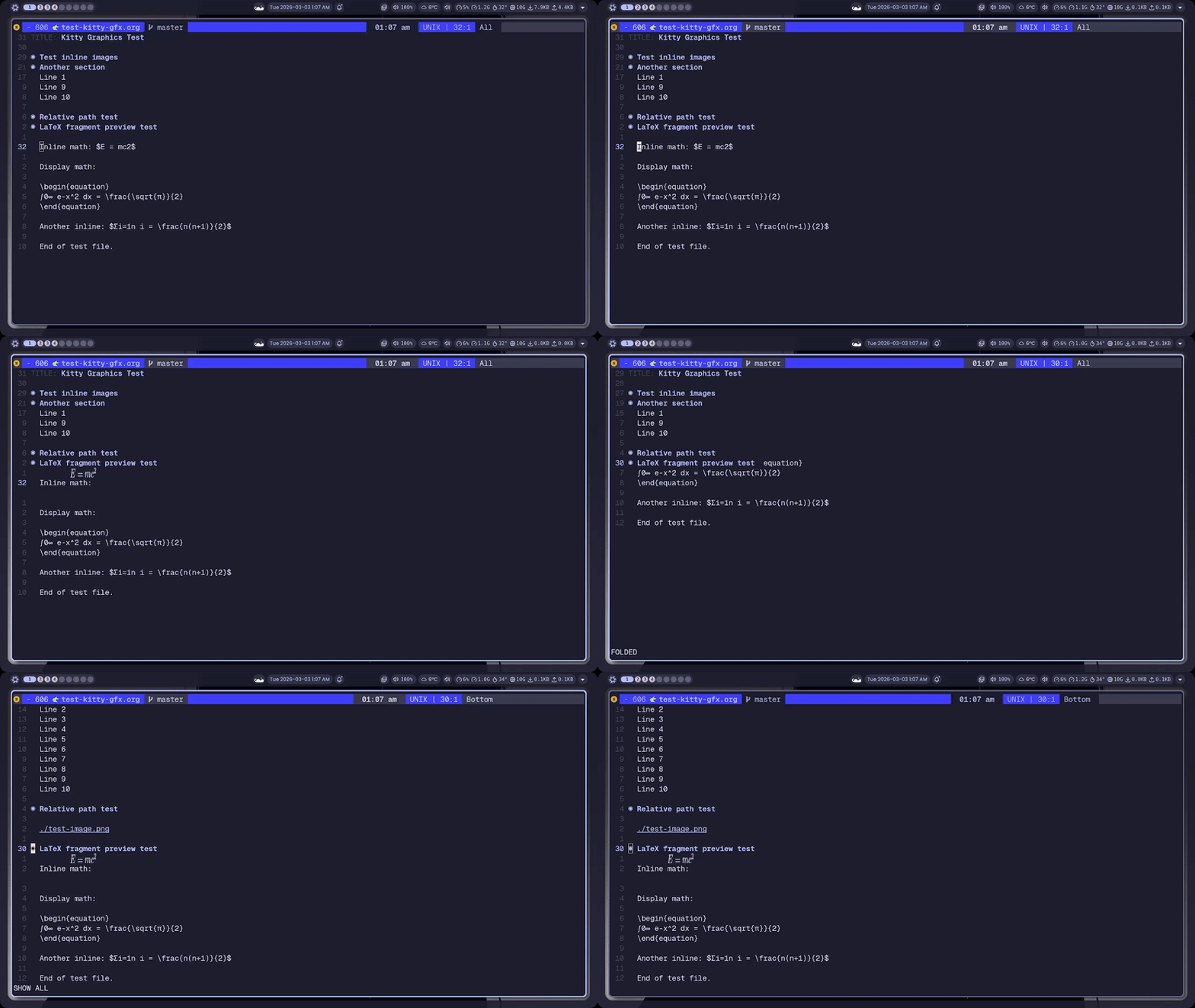
It works by advising org-latex-preview and org--make-preview-overlay to intercept the image generation pipeline. Org's LaTeX rendering doesn't actually need a GUI. It shells out to dvipng=/=dvisvgm, so all we do is bypass the display-graphic-p guard and feed the resulting PNGs into the Kitty protocol.
One annoying edge case: terminal Emacs sometimes reports unspecified-fg for face colors, which breaks org's color formatting. The advice forces concrete foreground/background colors so the LaTeX output doesn't come out invisible.
Clear previews with C-u C-c C-x C-l (region) or C-u C-u C-c C-x C-l (buffer).
doc-view Integration
PDFs, DVI and PostScript files now render in the terminal via doc-view. Page navigation works as expected. n=/=p to flip pages. Zoom works too: + to zoom in, - to zoom out, 0 to reset. Each page is rendered centered in the window.
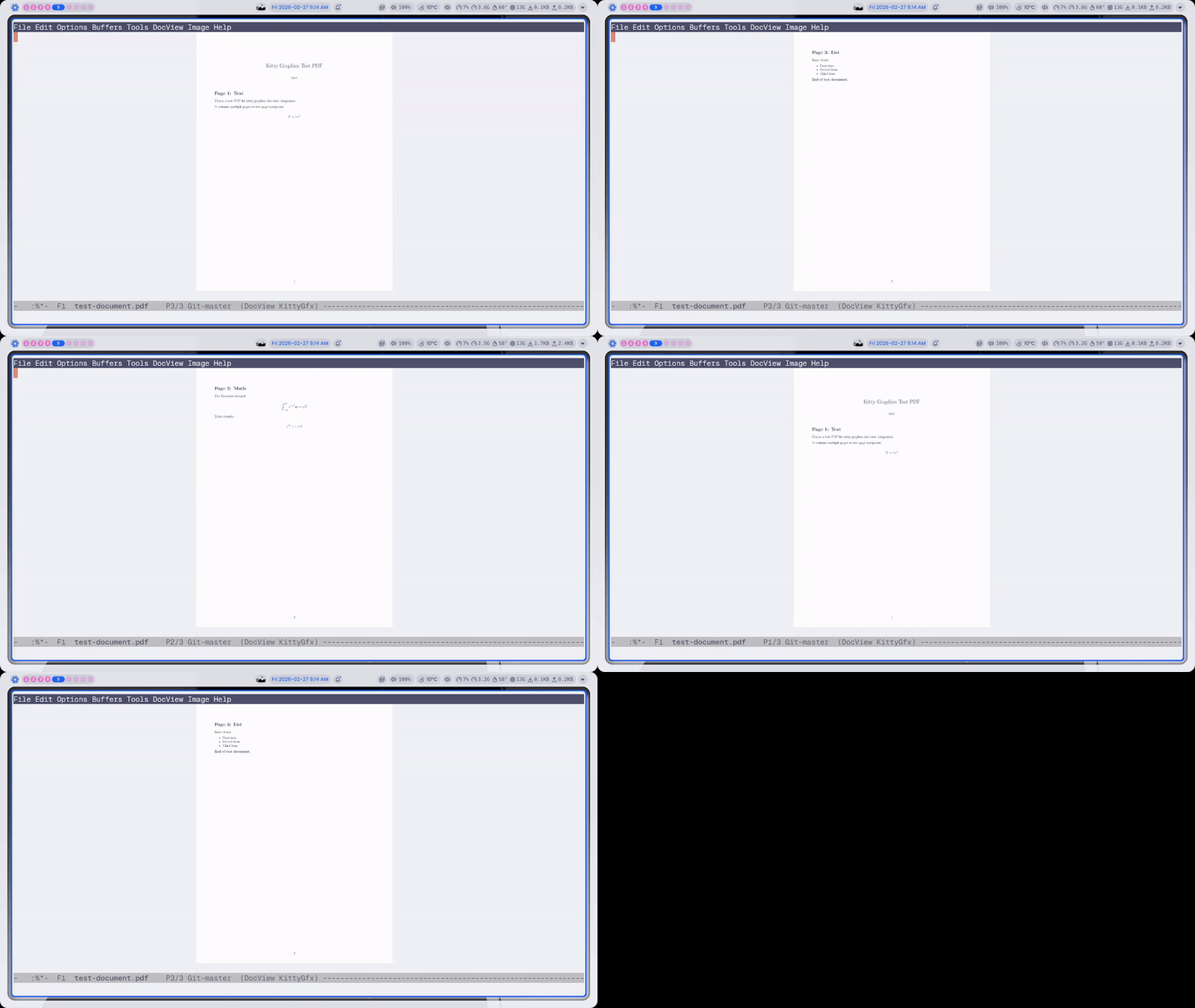
The implementation patches doc-view-mode-p to bypass the GUI check (same approach as LaTeX, cl-letf to temporarily make display-graphic-p return t), and doc-view-insert-image to display the page PNG via Kitty graphics instead of an Emacs image spec.
Image-Mode
Image-mode now centers images in the window and supports zoom controls:
+/=to zoom in-to zoom out0to reset to 1:1
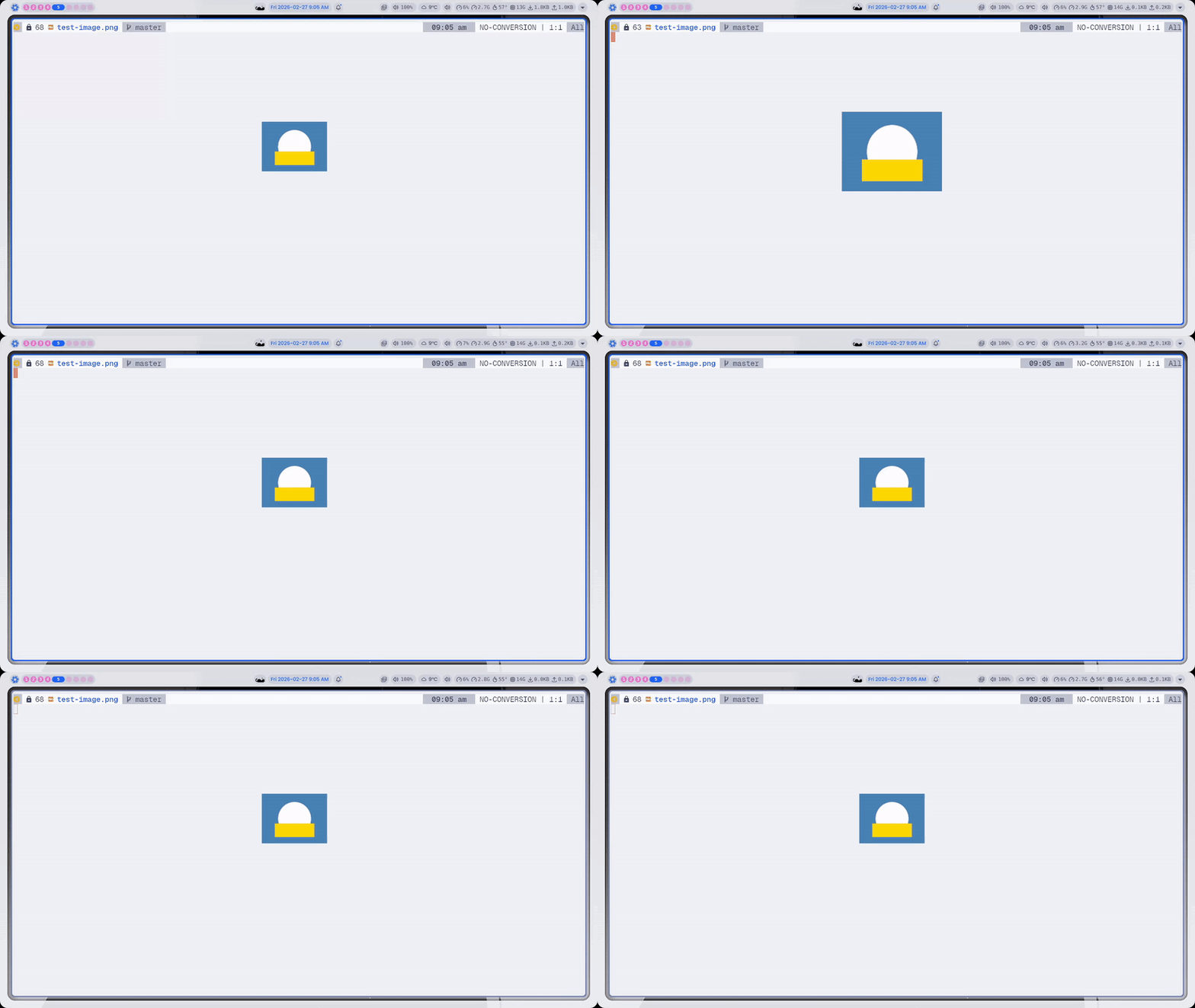
To avoid conflicts with evil-mode (which was a problem in the first release), the terminal image viewer now uses its own kitty-gfx-image-mode major mode instead of hijacking image-mode directly. This means evil-collection's image-mode bindings, which call native image functions that don't work in terminal, don't interfere.
Dirvish Integration
Image previews in dirvish now work natively in the terminal. The package registers a kitty-image preview dispatcher that renders images in the preview pane as you navigate. No extra configuration needed. If kitty-graphics-mode is enabled and dirvish is loaded, it just works.
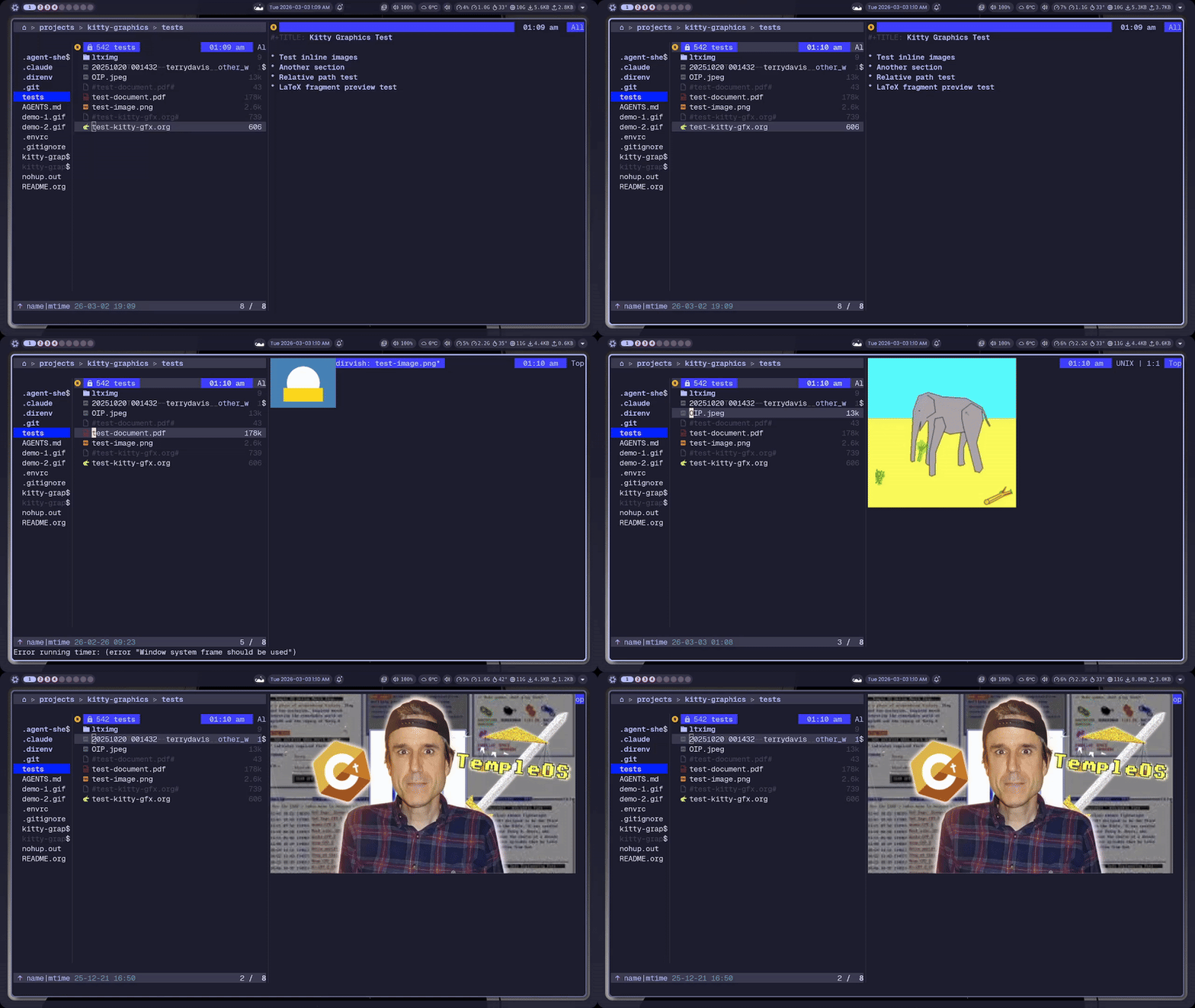
Images Hide When Org Headings Are Collapsed
This was the first bug report on the initial release and arguably the most annoying one. Images stayed visible when you folded a heading, floating in space disconnected from their context.
The fix checks both org-fold (org 9.6+, text-property based) and legacy overlay-based invisibility. When a heading is collapsed, image overlays inside the fold have their terminal placements deleted. When you unfold, the refresh cycle re-places them. It also correctly ignores cosmetic invisibility like hidden link brackets (org-link).
Robustness Overhaul
The internal machinery got a complete overhaul. None of this changes user-facing behavior, but it makes the whole system significantly more reliable.
LRU Image Cache
The old cache was an unbounded hash table. Every image ever displayed stayed in terminal memory forever. Now there's a proper LRU cache with a configurable size limit (kitty-gfx-cache-size, default 64). When the cache is full, the least recently used image gets evicted and its terminal data deleted.
The cache also no longer stores image dimensions. Dimensions are computed fresh each time from the pixel size and current cell metrics. This means zooming, resizing windows, or viewing the same image in different contexts (org-mode vs. image-mode vs. dired) always gets correct dimensions instead of stale cached values.
Less Flicker
Buffer and window changes used to delete all placements and re-create them from scratch. This caused visible flicker, especially when switching between buffers in a split. Now:
- Buffer change: only deletes placements for buffers that are no longer visible in any window. Visible buffers just get their position caches invalidated.
- Window change: invalidates position caches and cell pixel size, but doesn't delete anything. The refresh cycle handles re-placement.
- Leading-edge debounce: the first refresh fires immediately (after redisplay), then enters a cooldown period. Calls during cooldown are suppressed but flagged. When the cooldown expires, one trailing refresh fires to capture the final state.
Overflow Protection
Images that would extend past the bottom edge of the window are now hidden instead of placed. Before this, a tall image near the bottom of the screen would overflow into whatever was below the window, causing visual corruption.
Safer Cleanup
Killing a buffer now checks whether other buffers still reference the same image ID before deleting the terminal-side image data. This prevents breaking shared images, for example having the same file open in org-mode and image-mode simultaneously.
Everything Else
convert-to-pngreturnsnilon failure instead of passing the original non-PNG file to the terminalunwind-protectaround temp file creation in all display pathsignore-errorsaround everysend-string-to-terminalcall- Cell pixel size re-queried on window resize
- Dead overlay pruning in the refresh cycle
- Millisecond-precision debug logging (enable with
kitty-gfx-debug)
Installation
Drop kitty-graphics.el into your load path and enable the mode:
(require 'kitty-graphics)
(kitty-graphics-mode 1)
Or with use-package and straight.el:
(use-package kitty-graphics
  :straight (:host github :repo "cashmeredev/kitty-graphics.el")
  :if (and (not (display-graphic-p)) (getenv "KITTY_PID"))
  :config
  (kitty-graphics-mode 1)
  (with-eval-after-load 'dired
    (define-key dired-mode-map (kbd "P") #'kitty-gfx-dired-preview)))
If you run into issues or have feature requests, open an issue on GitHub.
Release: v0.2.1 on GitHub